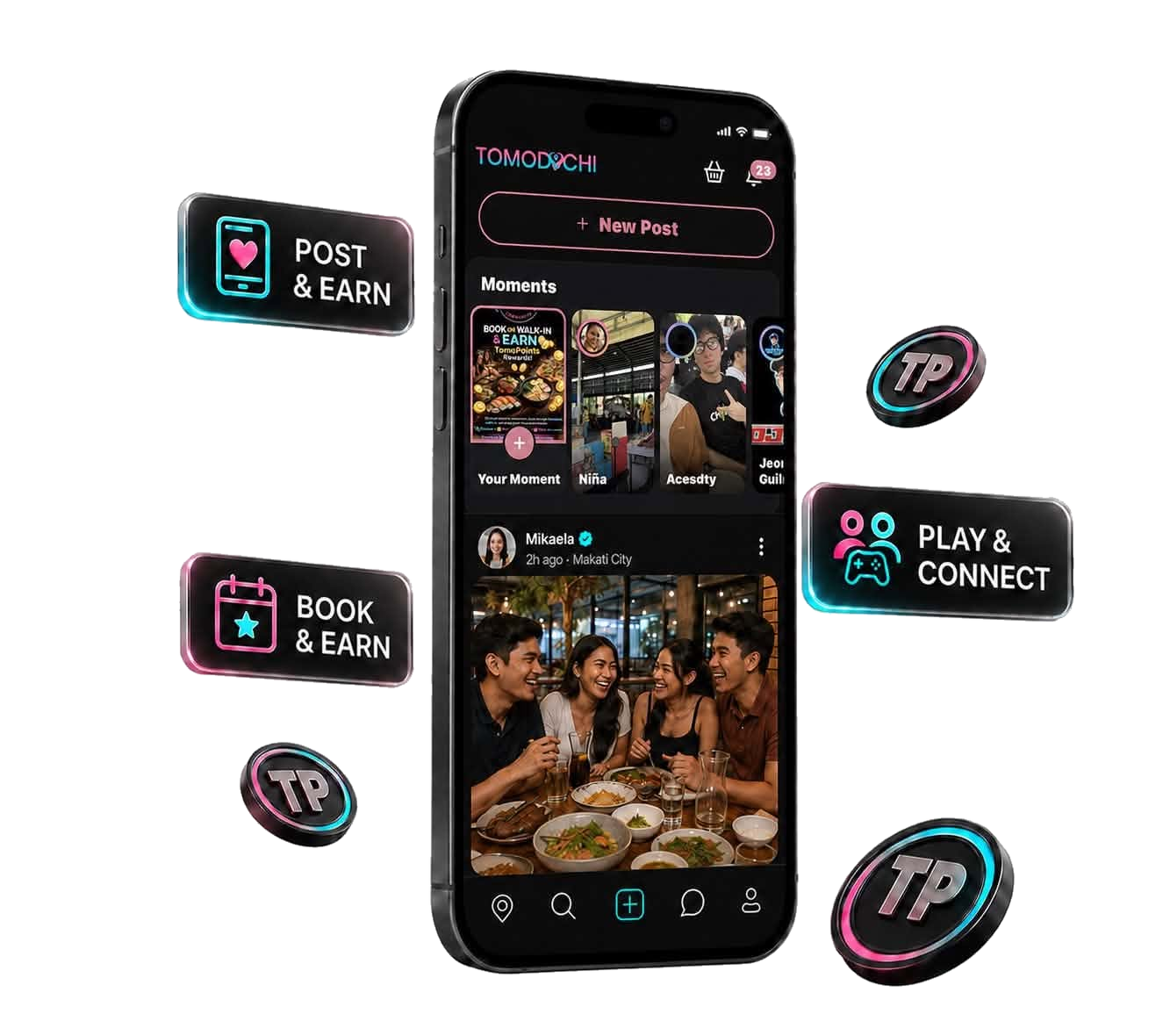
Tomospot lets you discover and reserve top restaurants directly from

the Tomodachi app. To reward your experience, you’ll earn
TP points after every successful reservation and check-in.
💡 Step-by-Step Reservation & TP Reward Guide
1
Choose a Tomospot Restaurant
- Go to the Tomospot section inside the Tomodachi app.
- Browse available restaurants and select your preferred spot.
2
Reserve a Table
- Choose the date, time, and number of people.
- Confirm your reservation by submitting the form.
- You will receive a Reservation QR Code inside the app.
3
Show Up & Get Scanned
- Visit the restaurant on time.
- Upon arrival, show your Tomodachi Reservation QR Code to the staff.
- They will scan it using our system.
4
Earn Your TP!
- Once your QR code is successfully scanned and confirmed, your TP reward will be processed:
| Group Size | TP Reward |
| 1 Person | 100 TP |
| 2 Persons | 200 TP |
| 3 Persons | 300 TP |
| 4+ Persons | 500 TP |
💡 Bonus TP may be available during special Tomospot events or promos!
🔒 Important Notes
- Only scanned & verified QR codes count for TP rewards.
- No-shows or late arrivals may result in losing your reservation and points.
- Each account can earn TP from Tomospot once per day to prevent abuse.
📋 Where to Check Your Points?
Go to your Profile → TomoPoints (TP) balance.
Your TP will appear within 24 hours after confirmation.
Let your cravings pay off. 🍽️
Reserve. Dine. Get Rewarded.
Only on Tomodachi – Tomospot.